Photograph the real item
Collect photos and condition details on Android. Queue the item, then keep capturing without moving through marketplace forms.
Turn item photos into marketplace listing drafts. PostMaster captures on your phone while GXT Sell handles the work behind the scenes, connected through Tailscale.
Capture the front, details and condition. The phone keeps you moving to the next item.
Ready to captureIllustrative workflow. This demo does not upload photos or create listings.
Your phone is the starting point. Your private backend carries the work forward.
Collect photos and condition details on Android. Queue the item, then keep capturing without moving through marketplace forms.
GXT Sell receives your item through the private connection and prepares it for the marketplace workflow.
Use the private dashboard to follow the queue and marketplace status. A draft and a completed post are shown as different stages.
Screenshots from the running Android app. Open either image for a closer look.
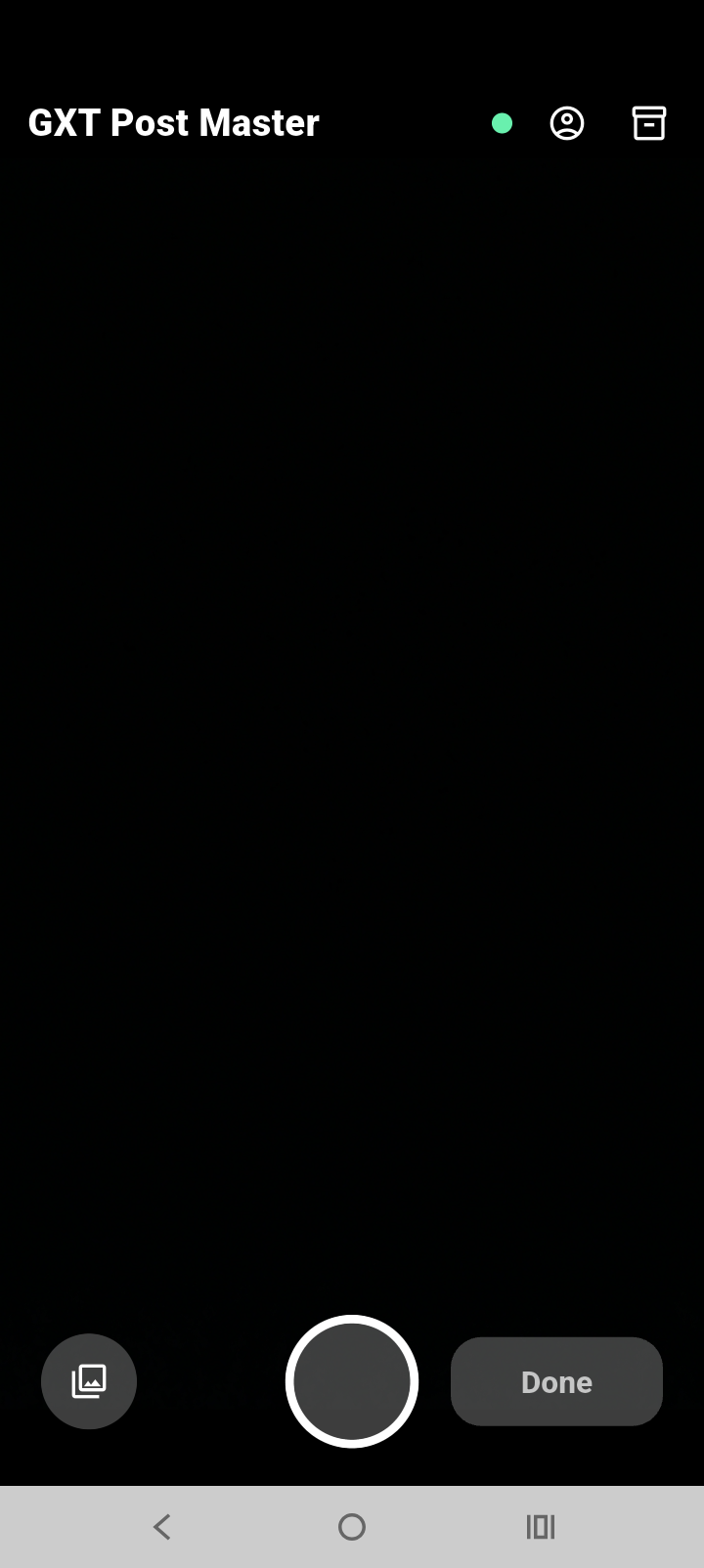
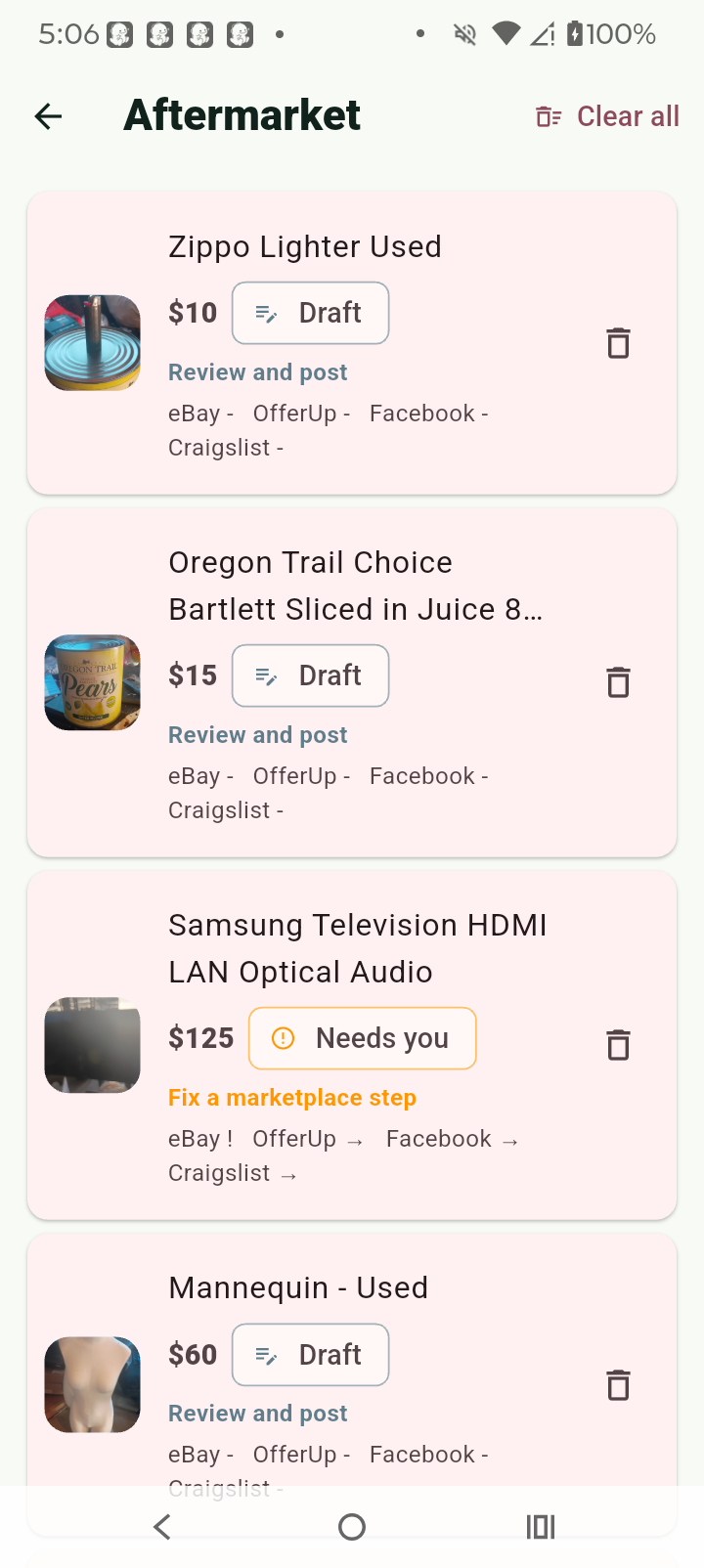
Your phone reaches your backend over your own private network, at home or away.
For the current pilot, keep Tailscale connected on both your phone and the backend computer. Tailscale setup is separate from the Android app.
Explore the same approach in SessionVaultPhotos travel in. Drafts and status come back.
Tailscale connects the devices. PostMaster and GXT Sell handle the listing workflow.
The pilot prepares drafts for four marketplaces. Posting follows each marketplace’s supported workflow.
Official OAuth and Sell API workflow for connected accounts. Confirm the result in your dashboard.
Prepare the listing, then complete the final posting step yourself.
Move from a prepared draft to your own marketplace posting flow.
Use the prepared details and complete the final posting step.
PostMaster is an Android pilot, not a public app-store release. GXT can walk you through access and setup.
Ask about setupJump into a product topic, ask the FAQ helper, or take a break with three mini arcade games. Use the PlayPage button at the bottom of the page.
The helper uses prepared product answers. Game scores stay in this browser.
Learn about PlayPageNot yet. PostMaster is an Android pilot. Contact GXT for access and setup information.
Yes, for the current pilot connection. Keep Tailscale connected on your phone and backend computer, even when both are on your home network.
No. Tailscale supplies private connectivity. PostMaster captures the item and GXT Sell handles preparation and marketplace workflows.
No. The eBay workflow uses its official API path. OfferUp, Facebook Marketplace and Craigslist require a manual final posting step.
Check the marketplace status in your private GXT Sell dashboard and follow the listing link when one is available. A queued item or prepared draft is not confirmation of a completed post.
No. PostMaster handles resale-item capture and listing workflows. SessionVault stores shared AI history and context. Both use private connectivity to reach services on your hardware.
Talk with GXT about the Android pilot and the setup that fits your workflow.